Protecting Your Gadgets: Practical Tips for Longer Battery Life
Protect your phone, laptop, and wearables with proven habits: smart charging, optimal settings, heat control, and mindful use to extend battery life.
Battery-Smart Charging Habits — The simplest way to extend battery longevity is to treat charging as a routine of gentle top-ups rather than dramatic swings. Aim for partial charges that keep your battery between roughly a quarter and three-quarters full, and try to avoid frequent deep discharge to zero or long stretches parked at 100 percent. Modern lithium-ion cells prefer moderation. If your device offers optimized charging, enable it so the system delays the final trickle until you actually need the device. When convenient, unplug shortly after reaching full to reduce time at high voltage, and avoid leaving gadgets pressed under pillows or stacked while charging. If an accurate gauge matters to you, an occasional full cycle can help recalibrate the battery meter, but do it sparingly. Use battery saver modes during long days, and keep a compact power bank for quick, cool top-ups. Small, frequent charges are kinder than marathon sessions, and they help maintain consistent battery health across phones, laptops, tablets, and wearables.
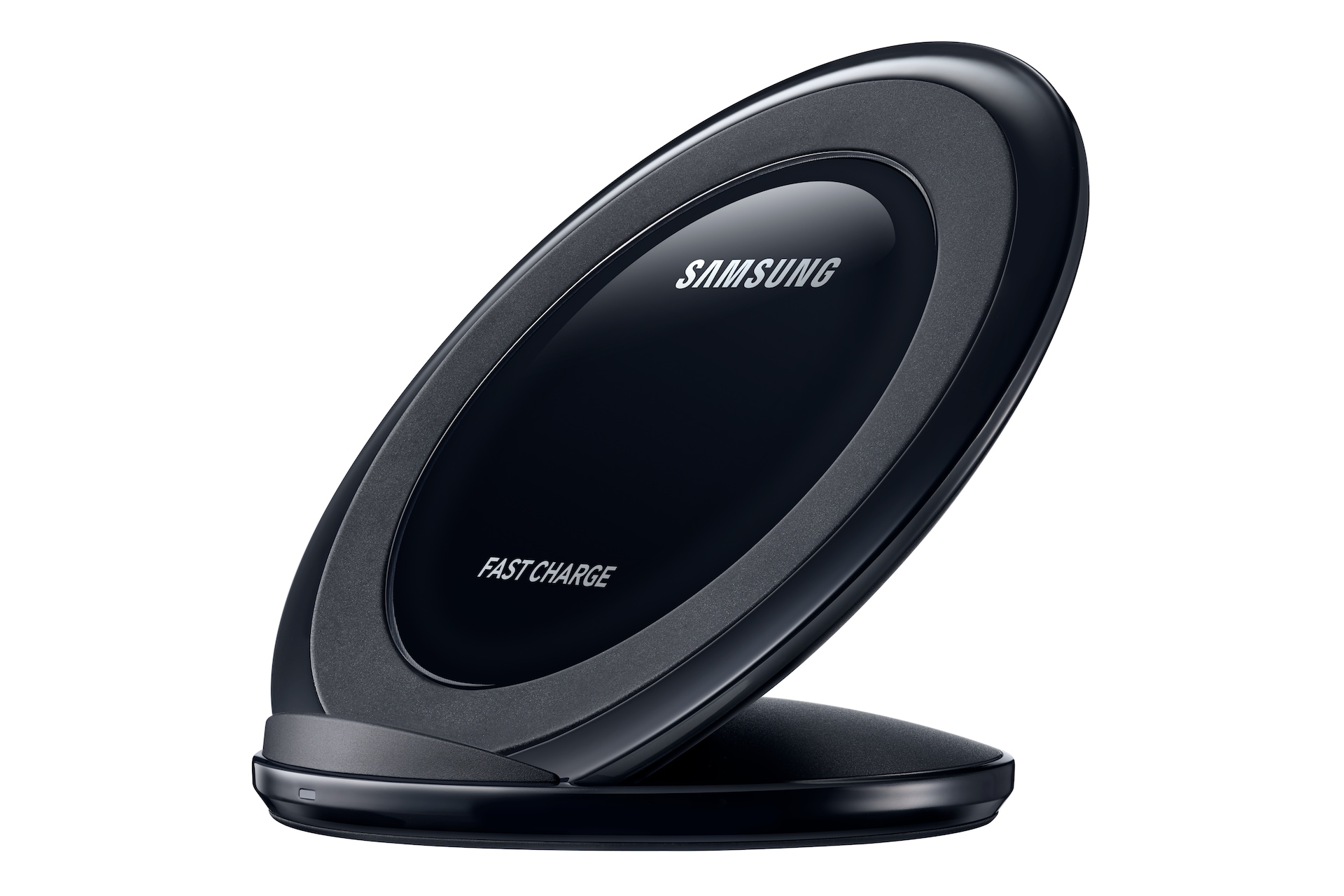
Mastering Heat and Environment — Effective heat management is arguably the most important factor in preserving battery life. Heat accelerates chemical wear, so avoid direct sunlight, hot dashboards, and gaming or video rendering while plugged in. If a device feels uncomfortably warm, pause intensive tasks, remove heavy cases during charging, and give it ventilation on a hard surface. Extremely cold conditions also reduce efficiency temporarily, so warm the device gradually before charging. Prefer wired charging when temperatures climb, since some wireless charging pads generate additional heat. Stick to certified chargers and quality cables that deliver stable power within your device's specifications—cheap or mismatched accessories can cause unnecessary heat and inconsistent charging behavior. Fast charging is convenient, but use it thoughtfully: rely on standard-speed or trickle top-ups for routine fills and save fast charging for time-critical moments. Keep ports clean to ensure secure connections with minimal resistance, and store gear in a cool, dry place when not in use. Lower temperatures and smooth power delivery help prevent thermal throttling and long-term capacity loss.
Tune Software and Settings for Efficiency — Your device's operating system offers powerful tools to curb drain without sacrificing usefulness. Start with the display: enable adaptive brightness, reduce screen timeout, and consider dark mode on OLED screens. If available, lower the refresh rate when you do not need ultra-fluid scrolling. Trim background activity by limiting auto-sync intervals, restricting background refresh for seldom-used apps, and switching heavy cloud backups to times when the device is charging. Review location services and grant access only while an app is in use. Prefer Wi-Fi over cellular for large transfers, and disable radios you do not need—Bluetooth, hotspot, or GPS—while keeping essential connectivity intact. Streamline notifications to cut frequent wake events and silence energy-hungry widgets or live wallpapers. Use your battery usage panel to identify power-hungry apps and replace them with lighter alternatives. Avoid compulsively force-closing apps; constant relaunches can use more power than letting the system manage memory. Small, targeted adjustments compound into noticeably longer battery life.
Smarter Daily Use and Accessory Choices — Practical habits shape power demand more than you might think. Reduce screen time by batching tasks, using read-it-later lists, and enabling focus modes to limit interruptions. For media, choose offline playback where possible and moderate streaming resolution to fit the display. In games, enable frame rate caps, balanced graphics presets, or battery modes to substantially cut drain with minimal loss of enjoyment. Tame haptics and vibration, lower the keyboard backlight, and dim accessory LEDs. External devices draw power too—mice, headsets, and dongles—so disconnect them when idle. Consider a compact power bank for gentle top-ups on the go, and choose efficient charging over the fastest option when time allows. In cars, avoid stacking wireless charging with navigation and music in hot cabins; use a well-ventilated mount and reliable cable instead. Finally, plan workloads: render videos, sync libraries, or update large apps while plugged in so your battery does not shoulder the heaviest tasks.
Maintenance, Storage, and Long-Term Care — Good stewardship extends beyond daily charging. Keep software and firmware updates current; power management improvements and bug fixes can reduce idle drain. If your laptop offers a battery preservation mode that caps charge, enable it when you work mostly on AC power. For long breaks, store devices at a storage charge around the middle of the battery range in a cool, dry place, and top them up periodically to avoid deep discharge. Clean ports to ensure solid connections and efficient charging, and use surge protection to guard against erratic power. If your battery gauge seems inaccurate, a rare full cycle can recalibrate readings—just avoid making it routine. When capacity has noticeably declined and runtime no longer meets your needs, seek a professional battery replacement from an authorized service provider. Thoughtful maintenance, safe charging accessories, and mindful storage habits preserve both performance and longevity across your entire lineup of computers and consumer electronics.