Focus Apps and Techniques to Minimize Distractions
Cut through digital noise with proven focus apps and simple routines. Learn to block distractions, build deep-work habits, and reclaim productive hours.
Understanding Distractions at Work
Modern work setups overflow with notifications, open tabs, and small requests that slice attention into shards. The core issue is not willpower but cognitive load. Every alert or side thought creates attention residue, a mental echo that lingers after switching tasks. Recovery takes time, and frequent context switching compounds the drag on performance and wellbeing. To minimize this, treat focus like a scarce resource you allocate intentionally. Define a clear start and finish for each task, write a one-sentence outcome, and choose a single input source while working, such as one document or one board. Manage external cues by silencing nonessential channels and internal cues by keeping a simple capture list for stray ideas. This approach protects single-tasking, reduces rework, and speeds decisions. When combined with supportive focus apps and simple rules, you build a friction-light system that strengthens professional reliability, shortens turnaround, and improves the quality of thinking that drives career momentum.
Choosing the Right Focus Apps
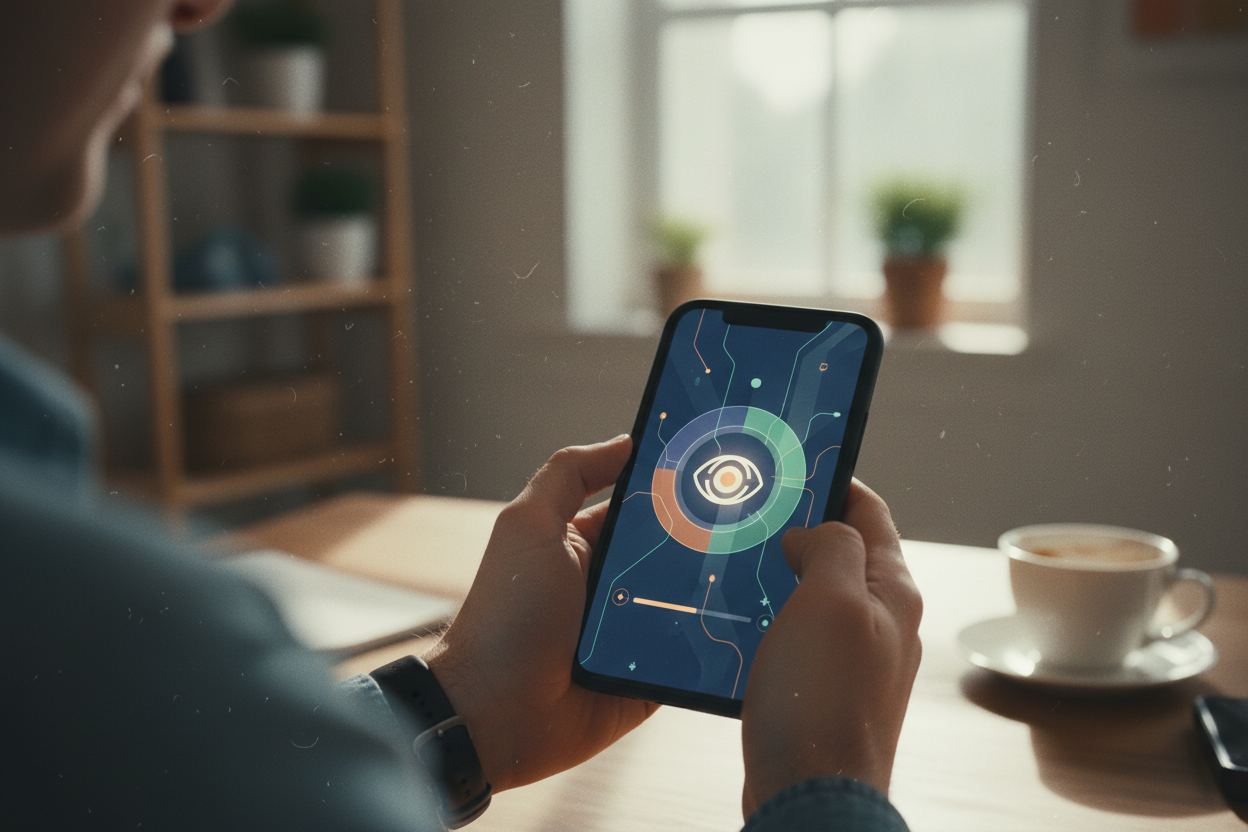
Focus tools are best viewed as a toolkit, not a cure. Start with categories that reinforce deliberate attention. Use website blockers to cordon off temptations, set focus timers for short yet intense sprints, and rely on task managers with clear priorities and start times. Add distraction-free editors for writing and ambient sound tools to mask noise if needed. Prioritize features that matter in daily work: scheduling of blocking sessions, whitelists for essential resources, cross-device sync, keyboard shortcuts, and simple analytics that reveal patterns. Keep your stack lean by assigning one tool per job and avoiding overlapping features. Build small automations, such as auto-enabling blockers during calendar events labeled deep work. Pair these with team-facing signals like status messages to set availability expectations. The goal is a seamless attention architecture where technology reduces options during focus periods, accelerates setup, and nudges you back to the plan when your mind wanders.
Proven Techniques to Stay on Task
Techniques amplify the impact of tools. Use time blocking to reserve calendar space for work that matters, then execute in Pomodoro-style sprints with brief resets to prevent fatigue. Try task batching by grouping similar actions, like calls or approvals, to reduce switching. Write implementation intentions such as If it is 9:00 and I open my laptop, I start the client proposal section until the timer rings. Adopt the two-minute rule for quick wins while protecting long stretches for complex thinking. Pre-commit with environmental constraints, like launching a dedicated browser profile with only work tabs and enabling blockers before you begin. Prepare a visible checklist: objective, first step, reference files, and a done definition. End each sprint by jotting a next action to preserve momentum. These habits create consistency without crushing spontaneity. Over time, you will notice steadier output, clearer boundaries, and a calmer mental state that supports better judgment and faster learning on the job.
Designing a Low-Noise Workspace
A high-performing environment is engineered, not accidental. Start with notification hygiene: disable badges, silence nonurgent channels, and put calendars and messaging into Do Not Disturb during protected blocks. Replace always-on chat with scheduled check-ins. Use meeting buffers to guard transitions and prevent spillover that erodes focus. On the desktop, minimize icons, use full-screen or split-view to keep only relevant windows, and adopt window management shortcuts to snap layouts instantly. Physically, reduce visual clutter, keep essential tools within reach, and use simple context cues like a desk light or card that signals do-not-interrupt. Digitally, separate personal and work contexts through profiles or spaces, and funnel inputs into a single capture list. Clarify availability with a concise status, then uphold it. These boundaries signal reliability rather than aloofness, because they enable deeper output in less time. When your environment defaults to quiet, you spend less energy resisting distractions and more energy producing meaningful results.
Measure, Iterate, and Sustain Focus
What gets measured improves, especially in career tools and productivity. Use light analytics from timers or blockers to review focused hours, sessions completed, and common derailers. Conduct a brief weekly review: what work blocks paid off, which cues triggered distraction, and what to adjust. Map energy peaks to schedule deep work when you are sharpest, and assign shallow tasks to natural valleys. Try day theming or a default calendar that repeats core priorities, reducing planning overhead. Safeguard renewal with micro-breaks, movement, and simple breathing resets to discharge mental noise. Celebrate shipped outcomes, not just hours logged, and refine your system with one small tweak each week. Reduce friction by pinning focus apps to the dock, using start-of-day templates, and automating blockers via calendar rules. Expect lapses and design gentle re-entry scripts. Sustained focus is not an act of heroics; it is the compounding result of clear intent, practical tools, and steady reflection.